
Assistive Technology Instructor
* Available On-Campus and Online
Overview of the Program
The Assistive Technology Instructor program is a high level program that is designed to train the trainer. Clients will not only learn how to use various types of assistive technology, but also to assess their client’s assistive technology needs and train them on the products and devices that they need for daily living and employment. The Assistive Technology Instructor program is twelve months of study and student teaching in preparation for an in-demand career as an Assistive Technology Instructor. Clients who successfully complete the ATI program may choose to go on to the CATIS preparation course. To learn more about the CATIS certification process and the body of knowledge required, go to our CATIS Preparation Program page.
Additional Details
This course instruction will be delivered through lectures, hands-on labs, textbooks, supplemental reading, case studies, online multimedia resources, study exams, and specialized projects which develop during the nine-month program. A student enrolling into the ATI course is required to earn the current JAWS, NVDA, and ZoomText certifications by scoring an 80% or better on the online exams, as well as any future certification which becomes available from assistive technology companies before petitioning for graduation from the program.
An ATI student interested in obtaining the Microsoft Office Specialist (MOS) certifications will have the option of doing so in addition to their current program length. The student will be required to obtain Vocational Rehabilitation Counselor permission to enroll in the Microsoft Office Specialist certifications.
Successful completion of the program also includes passing scores in the areas of homework and assignments, student teaching of 350 hours, and class participation. Once a student has exhibited a proficient understanding of the material, they are ready to begin student teaching. Student teaching will be initiated and supervised by the Assistive Technology Instructor. An agreement between the new student teacher and the Assistive Technology Instructor will outline guidelines for obtaining teaching hours and student teacher standards of conduct. If student teaching takes place in a live center, hours will be obtained through face-to-face instruction. If a student teacher is taking the ATI program online, student teaching hours will be obtained through Zoom conferencing. Lessons can also be taught to volunteer students in one’s community or a training center that has agreed to allow student teachers from the ATI program.
Topics Covered in the ATI Program:
JAWS (certification required)
ZoomText/Fusion (certification required)
NVDA (certification required)
Microsoft Excel (teaching certification required)
Microsoft Outlook (teaching certification required)
Microsoft PowerPoint (teaching certification required)
Microsoft Word (teaching certification required)
IT Fundamentals
Lesson Plan Writing
Report Writing
Windows Accessibility Features
IOS Devices
Technical and Manual Writing
The Human Eye
Learning Styles and Assessment
Educational Psychology
Braille Displays
Multiple Disabilities
Magnification Hardware
Recording Devices
Case Management
AT for Activities of Daily Living
Multimodal Learning and Assessment
OCR
Equipment Recommendations
Devices in the AT Lab at WSB
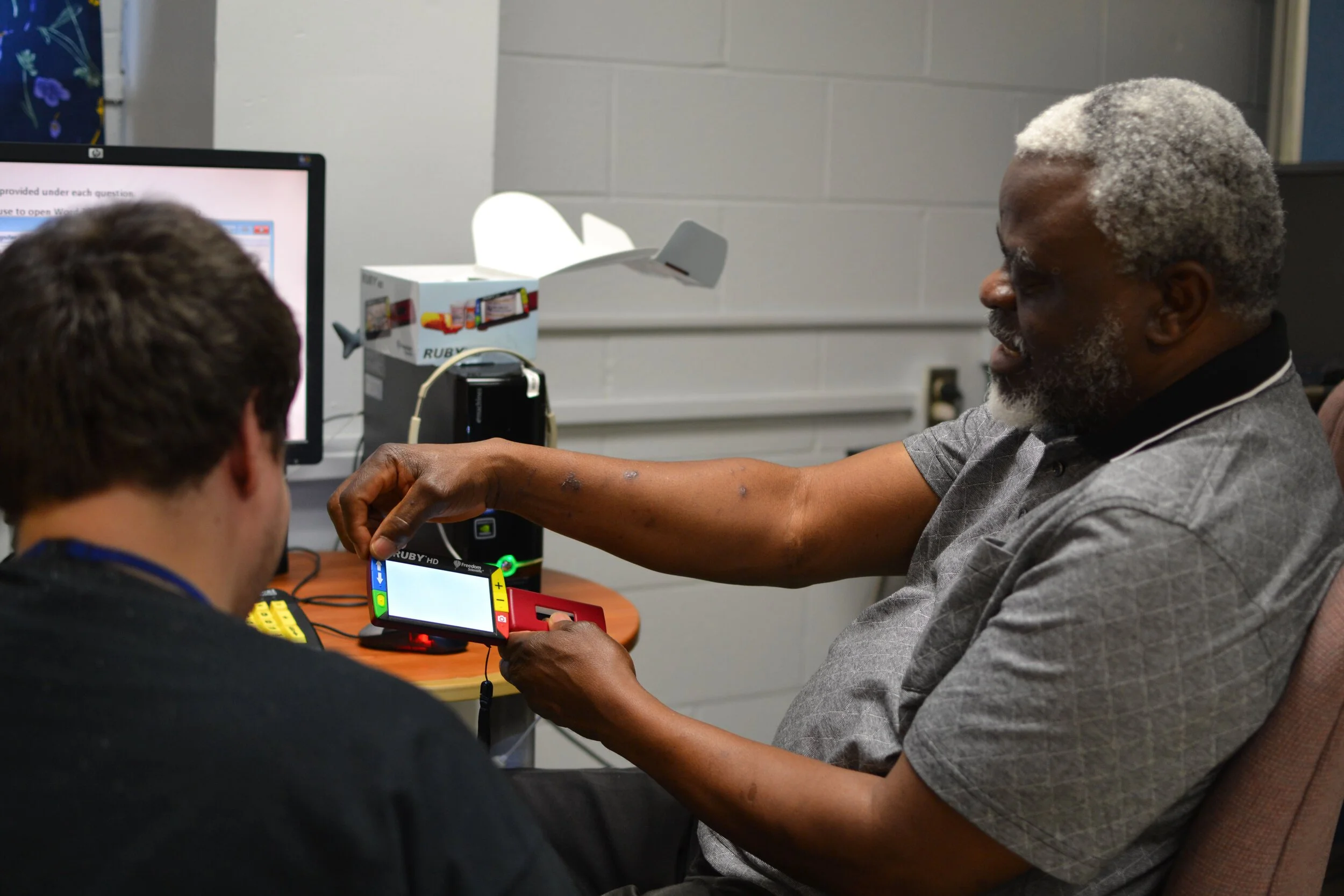
Being enrolled in the on campus ATI program means that you can enjoy learning on a variety of AT devices that you are likely to encounter in your future employment. For those interested in pursuing CATIS certification, you can have access to the full range of APH products and devices that are used in the K-12 school systems. A large part of an Assistive Technology Instructor’s job is assessing clients and recommending AT devices and training. The on campus ATI Lab gives you the opportunity to practice the assessment process on real clients using real devices.
Braille Displays
Chameleon 20
Focus 40
Mantis
Monarch (full page)
Dot Pad (full page)
Perkins light-touch Braille writers
Computers
Desktops with Windows 11
Desktops with IOS
Chromebooks
Mobile Devices
iPhone
iPad
Blindshell 3
Miscellaneous
Meta glasses
Tippy keyboard (reversible single hand)
jPad switch
AbleNet switch
Pearl camera
QuickTalker AAC device
Proloquo 2 Go AAC mobile app
User interface tactiles
APH Devices
Juno video magnifier
Jupiter portable magnifier
MATT Connect
VideoMag HD
Neptune scanner
PageBlaster embosser
PixBlaster embosser
Paige Connect
SMART Brailler
Braille Buzz
Polly
Code Jumper
Code and Go Robot Mouse
Joy Player
Select Switch
LED Mini Light Box (with all ledge sets and overlays)
Snap Circuits Jr.
RC Snap Rover
Snap Circuits BRIC Structures
Snapino
-
High school diploma, GED, or State accepted and approved High School Equivalency
Successful completion of the AT Fundamentals comprehensive assessment
Print reading speed of 100 wpm, with 75% comprehension
Braille reading speed of 30 wpm (if primary Braille user), or 10 wpm (if non-Braille user)
Keyboarding speed of 30 wpm
12th-grade spelling and grammar level
Good independent living and travel skills (On Campus)
Strong logical reasoning ability and emotional maturity
Ability to learn and retain information
Good interpersonal relationship qualities
Ability to work in a high-tech environment
Ability to adapt to constant change
-
Online courses require self-discipline and structured study habits. Below, you will find a list of online course expectations:
Check course syllabus daily to identify short-term and long-term projects due.
Check email multiple times daily to keep open lines of communication with the instructor.
Online webinars and other video conferencing lectures will be announced via the Learning Management System Announcements feature and via email.
Start out by Setting aside four hours a day for reading course material and drafting and responding to discussion posts.
Synchronize personal calendar with guest lectures, scheduled after regular business hours to accommodate most online students working full-time jobs.
The expected program completion time is based on the premise that a client is spending a minimum of thirty (30) hours per week on program coursework. This can include clinical or practical hours, depending on the program. A client unable to commit to this training expectation will not be able to keep pace with their program requirements, which could potentially lead to being placed on academic probation or being discharged from WSB.
-
Clients participating in Career training online courses through World Services for the Blind are recommended to have access to a computer with the following:
• Operating System: Windows 11 or Windows 10 (fully updated).
• Processor: Minimum: Intel Core i3 (8th generation or newer) or AMD equivalent. Recommended: Intel Core i5 or i7 (10th generation or newer).
• RAM: 8 GB required, 16 GB recommended.
• Graphics: Integrated graphics supporting DirectX 12 or higher. Dedicated graphics card recommended for higher performance.
• Storage: 256 GB SSD required. 512 GB or larger SSD recommended for better performance.
• Internet: Minimum speed of 50 Mbps for smooth video conferencing and online access.
• Accessories: Functioning headphones with built-in microphone. Webcam (720p minimum, 1080p recommended).
• Additional Software: Up-to-date antivirus software and any assistive technology software required for course participation
-
Workforce Development Services are offered at WSB to provide individuals with visual impairments with the tools needed to enhance and sustain their employability. Through our prevocational and vocational training programs, we provide the education and skills training to jobseekers that employers are looking to hire long term. By producing qualified workers, it helps the individual become more marketable and benefits the employer by reducing their cost of on-the-job training and improving turnover rates for their company. WSB’s focus is to provide services of employment assistance for jobseekers with visual impairments which will assist them in getting competitive integrated employment. Through job preparation and job coaching, certain tools and resources will be provided for the client to be successful in their job search, such as assistance in locating local job fairs, employment workshops, and/or participation in online or virtual job fairs.
In the first 30 days, an extensive assessment is completed in order for WSB to meet the client’s needs where they are. An extensive Interpretive Career Report will be provided to the client and their Vocational Rehabilitation Counselor on the assessment of their career interests, career training potentials, job satisfaction indicators, career exploration and career recommendations completed with the assistance of our qualified workforce staff and a Certified Vision Rehabilitation Therapist. Each client’s program will be individualized based on their needs and level of employability. During the skills evaluation period, students will work on a career readiness program tailored to their personal needs in areas such as, their academic skills in areas they may need improvement, assistive technology and computer literacy, daily living skills, and orientation and mobility skills training. Each individual will learn how to complete a resume or update their current resume, interviewing skills, “dress for success” skills, participate in mock interviews, learn soft skills, independent living skills and essential workplace skills. This will assist in the client’s preparation and future choices of a Pre-Vocational or Vocational program, or their area of interest for employment.