
About the Program
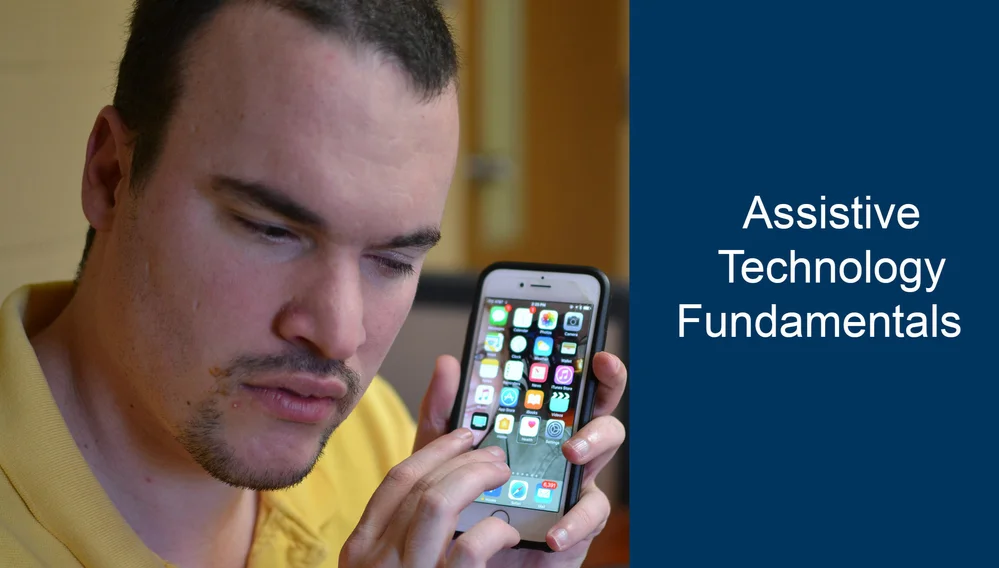
WSB’s Assistive Technology Fundamentals course helps students develop the technology skills needed for online learning, education, work, and daily life. No previous technology experience is required.
The course uses a two-phase approach: an individualized assessment followed by hands-on assistive technology training. Instructors provide one-on-one instruction based on each student’s skills, experience, and goals.
Assessment
Each student begins with an assessment to identify existing skills, areas that need improvement, and new skills that need to be developed. Instructors use the assessment results to create an individualized training plan that focuses on the student’s specific needs.
Assistive Technology Training
Students learn practical skills for using computers, mobile devices, and assistive technology. Training may include:
Windows navigation and computer basics
Identifying computer hardware
File and folder navigation and management
Email and professional communication
Microsoft Word and other word-processing software
Internet and web browser navigation
Cell phones and mobile accessibility features
Braille displays and notetakers
Audio and book-reading devices
Adjusting and customizing accessibility settings
Students may receive training with assistive technology such as JAWS, NVDA, ZoomText, Fusion, and VoiceOver based on their individual needs.
By completing the course, students develop the foundational technology skills needed to continue their education, participate in online training, pursue employment, and use technology more effectively in daily life.