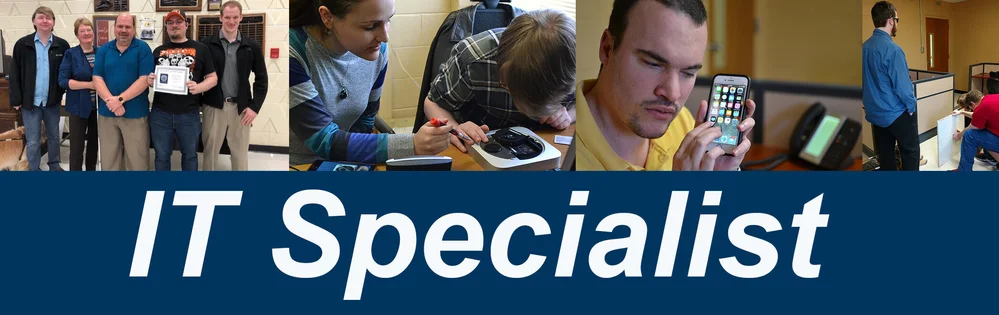
WSB’s IT Specialist program prepares people who are blind or visually impaired for careers in information technology. Students receive certification preparation and hands-on experience while working alongside WSB’s IT department.
Students can pursue certifications based on their interests and career goals, including:
CompTIA Tech+
CompTIA A+
CompTIA Network+
CompTIA Security+
CompTIA Data+
Microsoft 365 Certified: Administrator Expert
Training may support career interests in areas such as networking, server administration, Microsoft 365 administration, help desk support, and database management.
Individualized Training
The IT Specialist program is open enrollment and meets students at their current level of IT knowledge and experience. Before beginning the program, students complete an IT Fundamentals assessment to determine their current skills and identify an appropriate certification path.
Students with little or no prior IT experience may begin with CompTIA Tech+, which provides foundational knowledge before moving into the more advanced material covered in CompTIA A+.
After successfully completing A+, students may continue their training in one or more areas:
Network and Security: CompTIA Network+ and Security+
Data and Database Management: CompTIA Data+
Microsoft 365 Administration: Microsoft 365 Certified: Administrator Expert
Students progress at their own pace based on their previous experience, knowledge, and individual learning goals. On average, students may complete a certification every three to six months, although completion times vary by student and certification.
Hands-On Experience
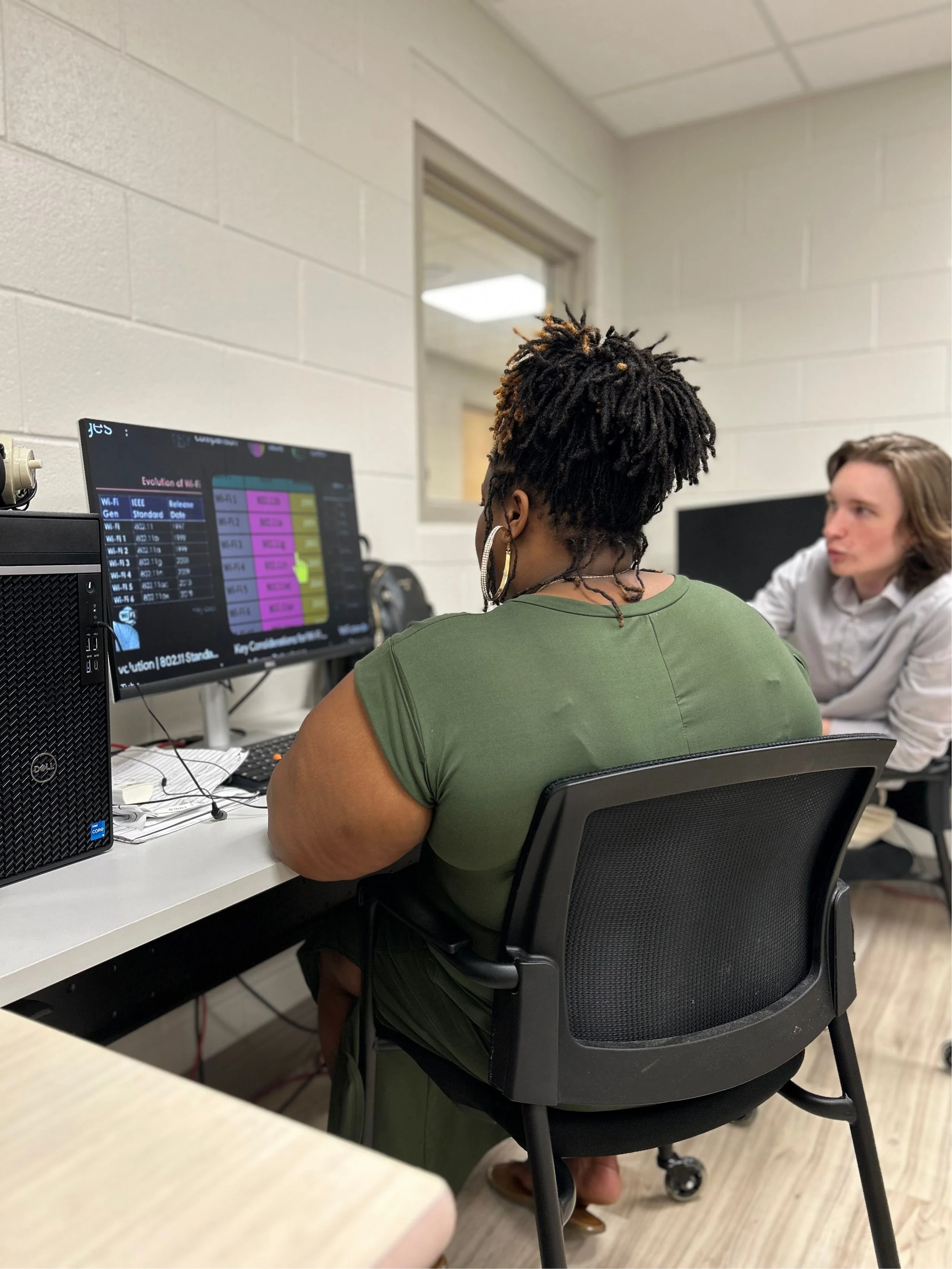
A key part of the IT Specialist program is practical, hands-on experience. Students work alongside WSB’s IT department, allowing them to apply their training in a real-world environment while developing technical and workplace skills.
-
CompTIA A+
Technical Support Technician
Computer Operator
IT Support Assistant
On-Site Support Technician
Help Desk Technician
CompTIA Network+
Network Support Specialist
IT Support Associate
IT Support Engineer
Service Desk Engineer
Junior Network Administrator
CompTIA Security+
Network Security Analyst
Help Desk Analyst
Computer Technician
IT Security Consultant
Information Security Support Analyst
CompTIA Data+
Junior Data Analyst
Data Analyst
Business Intelligence (BI) Analyst
Reporting Analyst
Microsoft 365 Certified: Administrator Expert
Microsoft 365 Administrator
Microsoft 365 Solutions Architect
Cloud Engineer
IT ConsultantDescription text goes here
-
CompTIA Tech+
CompTIA Tech+ provides foundational knowledge for individuals beginning a career in information technology. Students learn essential concepts related to computer hardware, software, networking, troubleshooting, and cybersecurity.
Tech+ can provide a foundation for pursuing more advanced IT certifications, including CompTIA A+, Network+, and Security+.
Program requirement: Depending on a student’s previous IT experience and knowledge, WSB may require successful completion of Tech+ before beginning the A+ certification track.
CompTIA A+
CompTIA A+ is an entry-level IT certification that covers the foundational skills needed for technical support and computer service roles. Training includes hardware, software, operating systems, networking, troubleshooting, security, and professional IT practices.
The A+ certification requires students to demonstrate knowledge across two exams covering areas such as:
Mobile devices, hardware, and peripherals
Networking and connectivity
Operating systems
Software installation and troubleshooting
Security
Cloud and virtualization fundamentals
IT operational procedures and customer support
Program requirement: Students in WSB’s IT Specialist program must successfully complete A+ before moving into the Network+, Security+, Data+, or Microsoft 365 certification tracks.
CompTIA Network+
CompTIA Network+ focuses on the foundational knowledge and skills needed to work with computer networks and IT infrastructure. Students learn about networking concepts, network implementation, operations, security, troubleshooting, and common network technologies.
Network+ provides a vendor-neutral foundation that can prepare students for roles supporting wired and wireless networks and for further specialization in networking.
CompTIA Security+
CompTIA Security+ provides foundational cybersecurity knowledge for IT professionals. Training covers core security concepts and skills used to identify, protect against, and respond to security threats.
Topics include security fundamentals, threats and vulnerabilities, security architecture, identity and access management, risk management, and incident response.
Security+ can serve as a foundation for students pursuing careers in cybersecurity and information security.
CompTIA Data+
CompTIA Data+ provides foundational skills in data analytics and data-driven decision-making. Students learn how to work with data, analyze and interpret information, and communicate findings in business and technology environments.
Topics include:
Data concepts and environments
Data mining and analysis
Data visualization
Statistical concepts
Data quality
Communicating data-driven findings
Data+ can help prepare students for career paths involving data analysis, reporting, and business intelligence.oes here
-
Students pursuing Microsoft certification through WSB receive a one-year license to access Microsoft training materials. During that license period, students may also access study materials for additional Microsoft certifications.
Students who earn the Microsoft 365 Certified: Administrator Expert certification may have the opportunity to continue pursuing additional Microsoft certifications based on their career goals and the certifications available through WSB.
Microsoft 365 Certified: Administrator Expert
The Microsoft 365 Certified: Administrator Expert certification is designed for IT professionals who deploy, configure, manage, and optimize Microsoft 365 environments. The role focuses on managing Microsoft 365 at the tenant level and coordinating services across identity, security, compliance, productivity, and endpoint management.
Training may include:
Managing Microsoft 365 tenants in cloud and hybrid environments
Coordinating Microsoft 365 workloads and services
Managing identity and access with Microsoft Entra ID
Managing security and threat protection
Working with Microsoft Purview and compliance solutions
Working with DNS, networking, PowerShell, and directory services
Current certification requirement: Microsoft currently requires the MS-102: Microsoft 365 Administrator exam plus at least one qualifying associate certification. Qualifying certifications currently include Microsoft 365 Endpoint Administrator Associate, Microsoft 365 Teams Administrator Associate, Microsoft Certified: Identity and Access Administrator Associate, and Microsoft Certified: Information Security Administrator Associate.
Important: Microsoft currently lists the Microsoft 365 Administrator Expert certification and MS-102 exam for retirement on November 30, 2026. WSB should verify the replacement certification pathway before publishing this section as a long-term program requirement.
Microsoft 365 Certified: Teams Administrator Associate
The Microsoft 365 Certified: Teams Administrator Associate certification focuses on planning, implementing, managing, and maintaining Microsoft Teams for collaboration and communication.
Key areas include:
Teams configuration, policies, and architecture
Teams, channels, chat, and apps
Calling, meetings, and conferencing
Integration with other Microsoft 365 services
Security and compliance
Monitoring and troubleshooting
Microsoft currently lists this as an intermediate-level certification with a 12-month renewal cycle.
Microsoft Certified: Identity and Access Administrator Associate
The Microsoft Certified: Identity and Access Administrator Associate certification focuses on managing identity and access through Microsoft Entra ID.
Key areas include:
User and group identity management
Authentication and access management
Conditional access
Workload identities
Identity governance
Privileged access
Monitoring and troubleshooting
The certification covers identity and access management across Microsoft Entra environments and supports skills in modern identity, authentication, authorization, and governance.
Microsoft Certified: Information Security Administrator Associate
The Microsoft Certified: Information Security Administrator Associate certification focuses on protecting sensitive organizational information using Microsoft Purview and related Microsoft security services.
Key areas include:
Information protection and data classification
Sensitivity labels and encryption
Data loss prevention
Data retention and lifecycle management
Insider risk management
Security alerts and incident response
Protecting data used by AI services
Microsoft describes this certification as focused on information protection, data loss prevention and retention, and managing security risks, alerts, and activities.
-
Applicants should have:
A high school diploma or equivalent
A typing speed of 45 words per minute or higher
Strong reading comprehension skills
12th-grade proficiency in business math and algebraic problem-solving
Basic to intermediate computer skills, including Windows navigation, common computer terms, and familiarity with commonly used programs and applications
Intermediate to advanced skills with a preferred assistive technology, such as JAWS, ZoomText, or NVDA
Strong written and verbal communication skills
Appropriate personal hygiene and professional presentation
Strong time-management and punctuality skills